Digital impressions have transformed how clinics and labs work together. But the quality of the final appliance — whether it's a retainer, a model, or a custom wire — is only as good as the files you send. Here's everything your team needs to know to get it right from the first submission.
What Is an STL File?
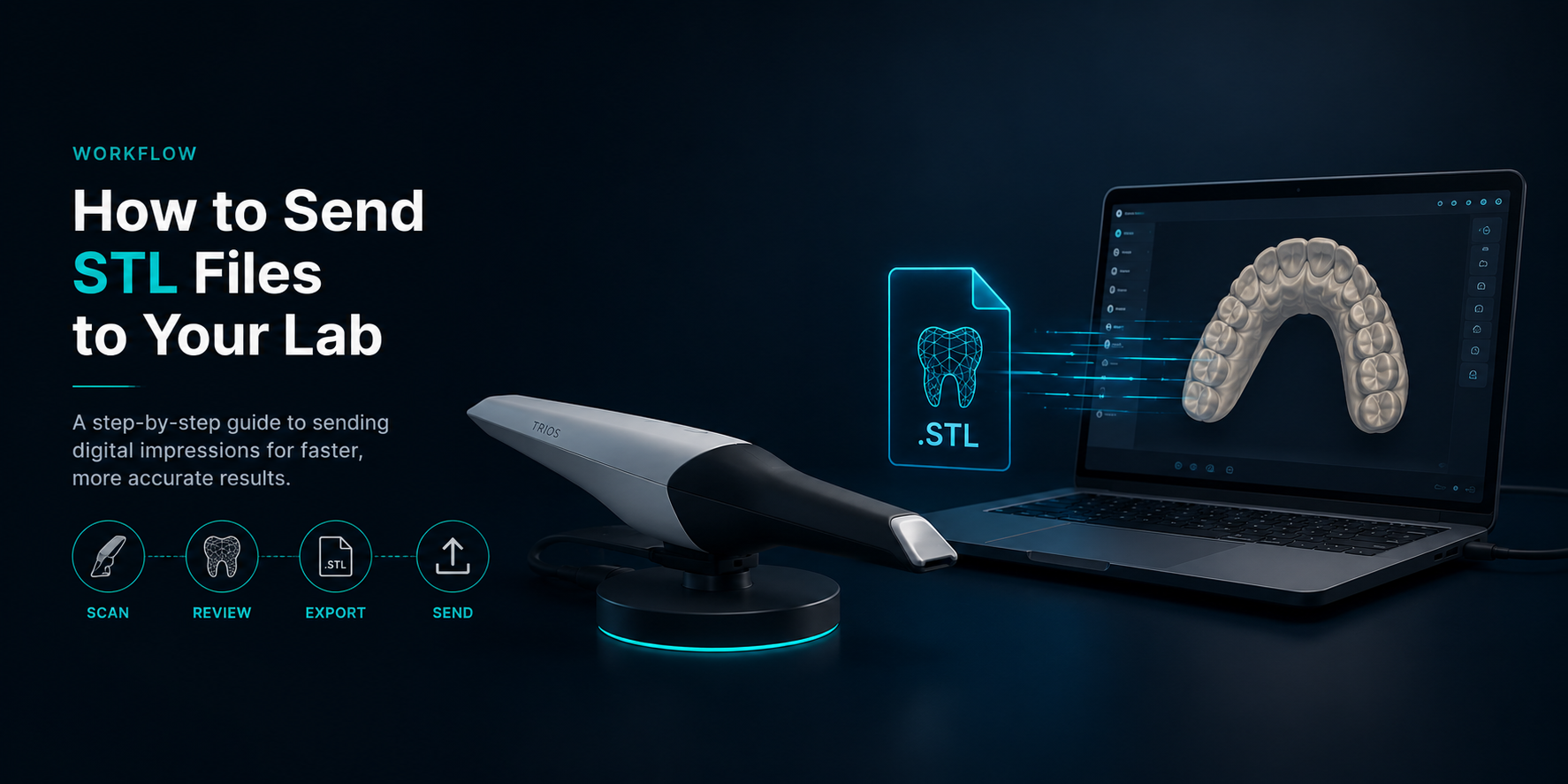
STL stands for Standard Tessellation Language — it's the universal file format used in digital dentistry to represent 3D models of dental arches. When your intraoral scanner captures a patient's dentition, it generates an STL file that contains the precise geometry of their teeth, gums and bite.
This file is what travels from your clinic to our lab. It replaces the physical impression, eliminating the distortion, shipping delays and storage challenges that come with traditional workflows.
Step-by-Step: Sending Files the Right Way
Complete the intraoral scan
Capture both arches fully — upper and lower — including the gingival margins. For bonded retainer cases, ensure the lingual surfaces of the anterior teeth are clean and well-defined. A bite scan (occlusion) is required for most retainer and model cases.
Export the STL from your scanner
Most scanners export STL natively. On 3Shape TRIOS, go to Order → Export → STL. On Medit i700, use Medit Link and select Export Case. Always export both arches as separate files plus the bite registration.
Name your files correctly
Use a clear, consistent naming convention so we can process your case without delays. We recommend: PatientLastName_FirstName_Date_Upper.stl and the same for Lower and Bite. Avoid generic names like "scan1.stl" — these cause unnecessary back-and-forth.
Include a prescription or case note
Along with the STL files, send a brief note specifying: the appliance type, arch (upper, lower or both), any special instructions (wire thickness, retention type, urgency), and the patient's appointment date if relevant to turnaround time.
Send via email or our preferred channel
Send your files to contact@stunningdentallab.com.au or through the secure transfer method we've set up for your clinic. For large files, we recommend using WeTransfer or Google Drive — both are free and handle files of any size without compression.
If your clinic uses 3Shape, you can send cases directly through 3Shape Communicator — Stunning Dental Lab is registered on the platform, so it's the fastest and most seamless way to share your scans with us.
Confirm receipt and turnaround
We'll confirm receipt of your files within a few hours and give you a clear turnaround estimate. If there's anything missing or if we need a rescan, we'll let you know immediately — so there are no surprises.
Common Mistakes to Avoid
- Sending only one arch when both are needed for the case
- Missing the bite scan — this is essential for accurate articulation
- Low-resolution exports or compressed files that lose surface detail
- Forgetting to include patient information or a prescription
- Using email attachments over 25MB — large files get rejected or corrupted
- Not specifying urgency — if you need same-day or next-day turnaround, always mention it upfront
Pro tip: Set up a dedicated folder structure in your clinic for digital cases — organised by month and patient name. It makes re-sending files, tracking cases and auditing your workflow much faster. We're happy to help you design a system that works for your team.
What Happens After We Receive Your Files?
Once your STL files arrive at Stunning Dental Lab, our team reviews them for quality and completeness before processing begins. We use 3Shape's CAD software and SprintRay's high-resolution 3D printers to produce appliances with exceptional precision — typically within 1–3 business days depending on the case type.
You'll receive a confirmation when your appliance is dispatched, along with any relevant clinical notes. For bonded retainers, we include a fit guide with each case.
Ready to Go Digital?
If your clinic is transitioning from physical impressions to digital workflows, we're here to make that process smooth. Whether you're just getting started with intraoral scanning or looking to streamline an existing digital setup, reach out — we're happy to walk you through our onboarding process.
A faster, more accurate workflow starts with the right lab partnership.